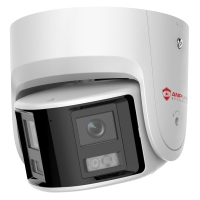
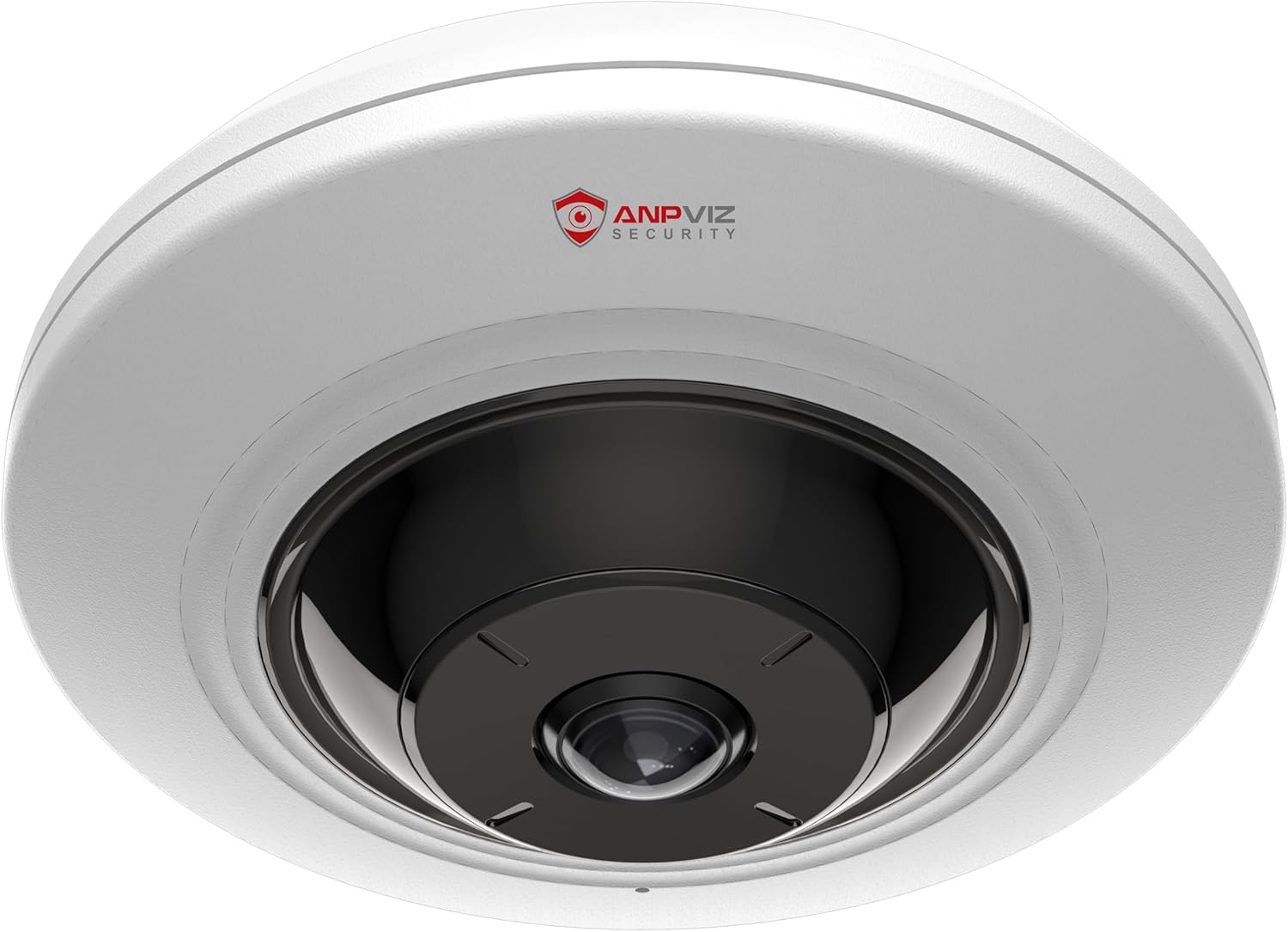
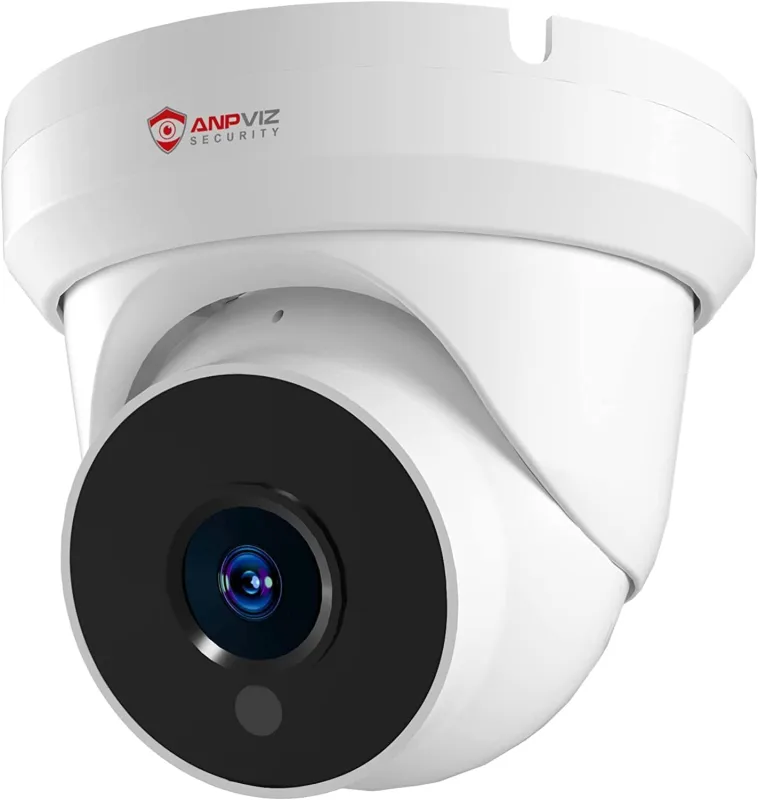
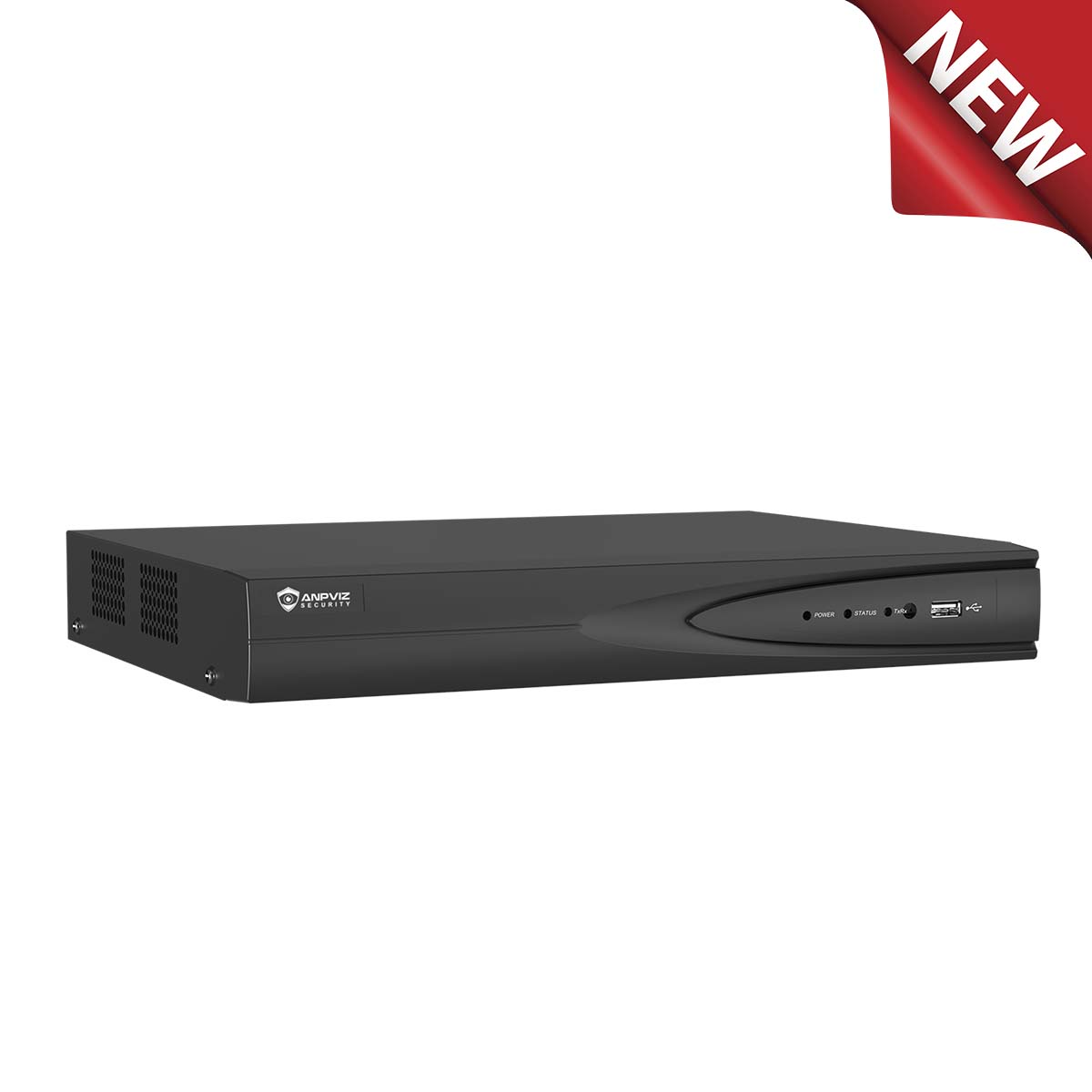
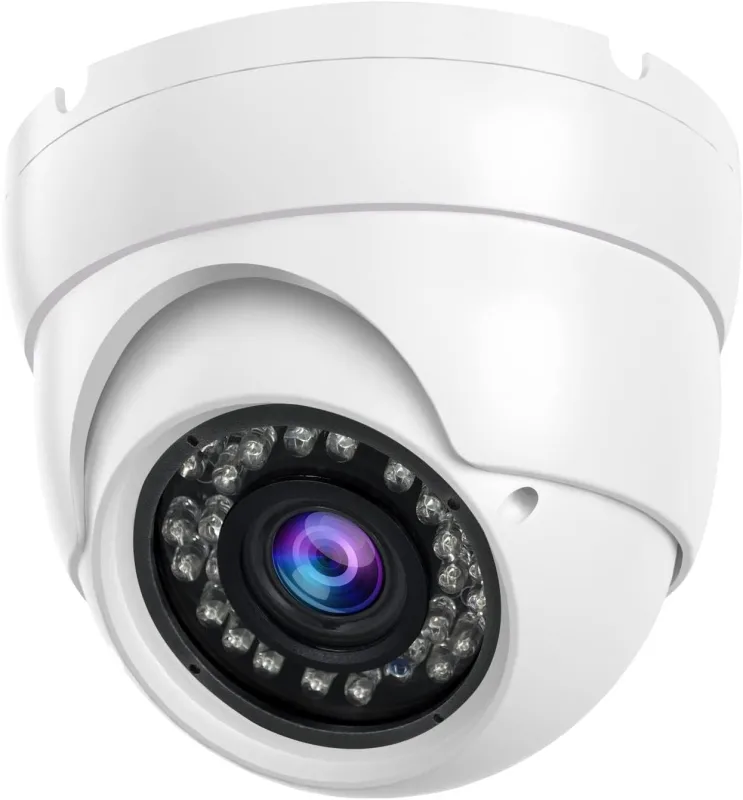
Follow the video below to see how to reset your H Series camera using the physical reset button, or export a reset file via SADP and contact Anpviz Support for assistance.
Technical documents, including firmware, upgrades, SADP, search tools, and more, are available at anpvizsupport.com .
Product-specific parameters and files can be found at the bottom of each product page.