








What Does AI Actually Do in a Security Camera?
AI-ISP, AI Detection & AI Search — three technologies often grouped under the same label: AI-powered security. But they don't do the same thing.
From improving image quality to identifying objects and retrieving important footage, each plays a different role in the security process. So, what exactly does each one do, how do they work together, and which one do you actually need?
The Video Pipeline
Same footage, three different stages. The arrows are one-directional: search cannot return what detection never labeled.
Cleaner frame before recording
Runs on: the camera
Objects become labeled events
Runs on: camera or NVR
Clips found by description
Runs on: NVR or platform
AI-ISP: it fixes the picture before anyone looks at it
AI-ISP — short for AI Image Signal Processor — sits between the sensor and the encoder. Its main job is image processing: turning raw sensor data into a frame you can actually look at.
Every image sensor starts from something unusable: a grid of voltages carrying noise, clipped highlights and a colour cast. The image signal processor is what turns that into a video frame — denoising, compressing dynamic range, correcting white balance, sharpening edges. A conventional ISP applies the same fixed rules to every scene. An AI-ISP runs a trained model inside that pipeline instead, so it can tell a real texture from sensor noise before it decides what to smooth away.
An AI-ISP chip, a wide aperture and a sensitive sensor all attack the same problem from different directions: how much usable signal reaches the encoder in bad light. A wide aperture lets more light in physically; the AI-ISP chip is what keeps the resulting frame clean enough to be worth recording. On its AI-ISP camera line Anpviz pairs an AI-ISP chip with an F1.0 large-aperture lens and describes the result as more natural full-colour night vision — the same claim we wrote up when we showed AI-ISP and AI Search at Security Essen 2026.
The practical test is simple: compare two frames of the same night scene, and don't just look at brightness. A brighter frame is easy to produce—raise the gain and the whole picture brightens, grain and all, so brightness alone proves nothing. What really matters is what's left after denoising. A conventional ISP can wipe out the grain—that's exactly what a denoiser does—but it wipes out the detail along with it. If all you've done is make it brighter, you end up with a clean, smooth frame that contains nothing. AI-ISP is different: it uses a model to distinguish "real texture/edges" from "noise," preserving or even reconstructing those faint but real details during denoising—so you can still make out an identifiable face or a readable license plate. Of course, it can't conjure up signals the sensor never captured; it simply avoids killing off real detail.


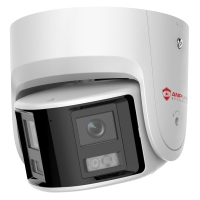
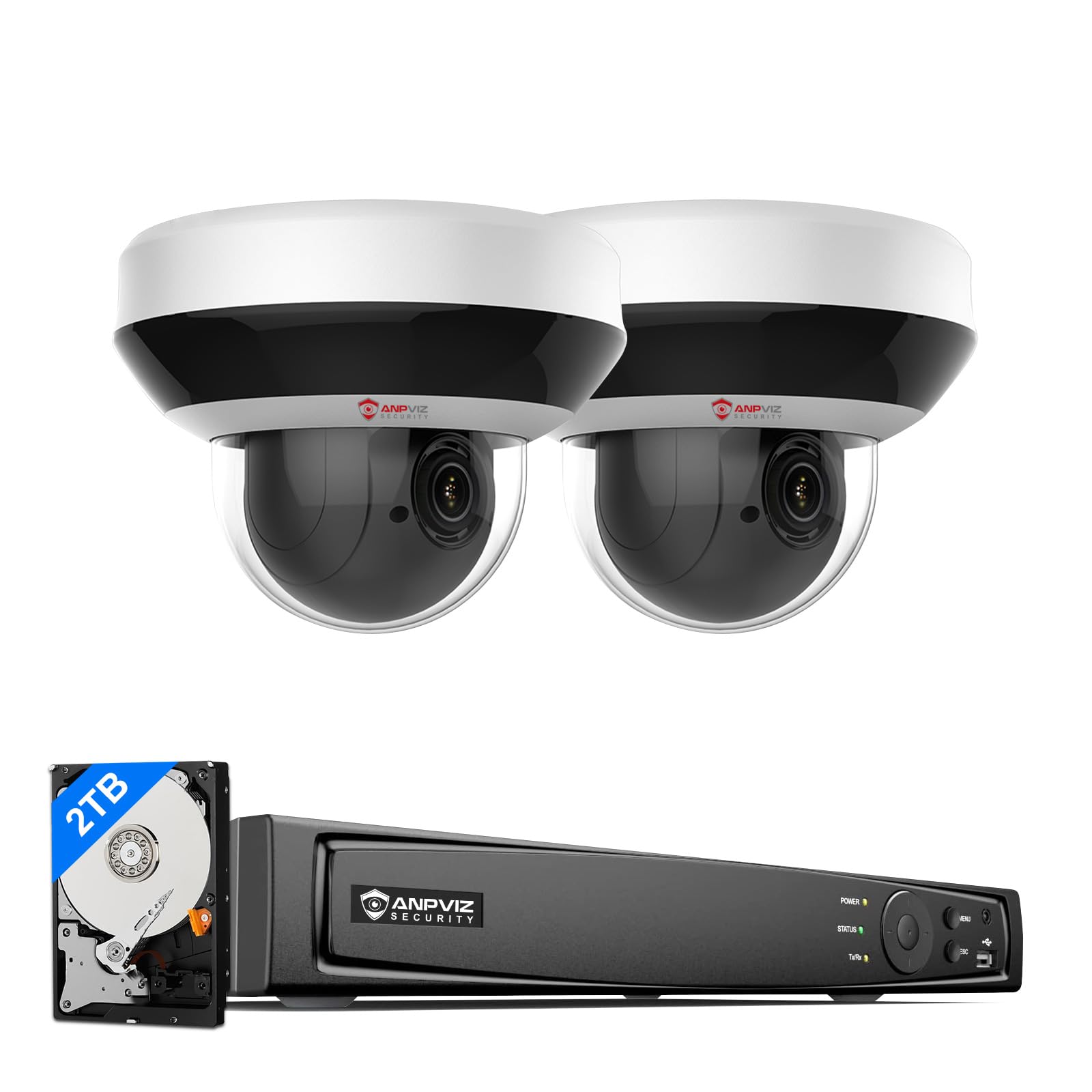
AI-ISP PoE Camera —— Anpviz H-Series Professional Line
For scenes where the picture itself is the problem — low light, strong backlight, fine detail you need to keep.
- F1.0 large-aperture lens
- Full-colour night vision
- 130dB Scene-Adaptive WDR
AI Detection: it decides what is in the frame
AI Detection is classification. It looks at video that already exists and labels what it finds, so the system can send you an event instead of a recording.
Traditional Motion Detection identifies changes in the image, while AI Detection analyzes objects and classifies them, such as people and vehicles. This helps reduce alerts caused by irrelevant movement. A detection model is trained on shapes and motion patterns — a human silhouette, a vehicle, a pet — and outputs a structured record rather than a picture: person, zone 2, 02:14, moving east. That is why the notification you receive can say “person” instead of “motion”.
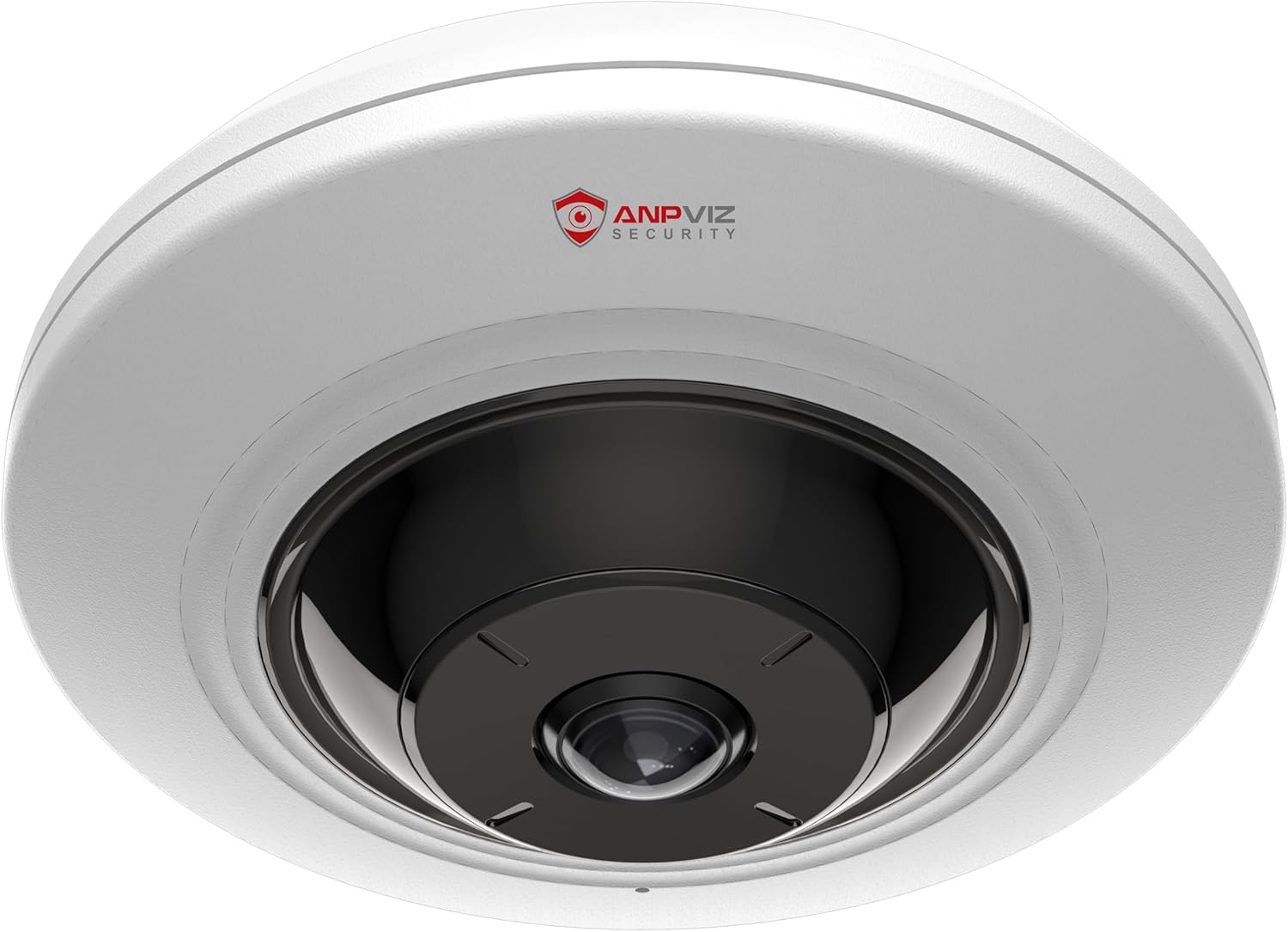
Detection quality is decided by pixels on target, not by the word AI. A 4MP camera pointed at 25 metres and a 2MP camera at 8 metres are solving different problems, and on a face the second one will usually win. Light matters just as much: a model classifying a silhouette in near-darkness is guessing. This is also why what megapixel actually measures tells you more about detection performance than the model version printed on the box.
If your alerts are unusable, the usual cause isn't a weak model—it's the scene conditions and rule setup. The camera is too far away, or the subject is too small and occupies only about thirty pixels. With too few pixels, the AI can't extract enough features to tell a person from a shadow, a tree branch, or noise. Even a strong model can only guess when the input carries too little information—so you get missed detections, false alarms, or alerts that come and go. Or a zone line is drawn across a footpath where people legitimately walk all evening, so every passerby triggers an alert all night. The alert isn't wrong—someone really is there—but it's useless to you.


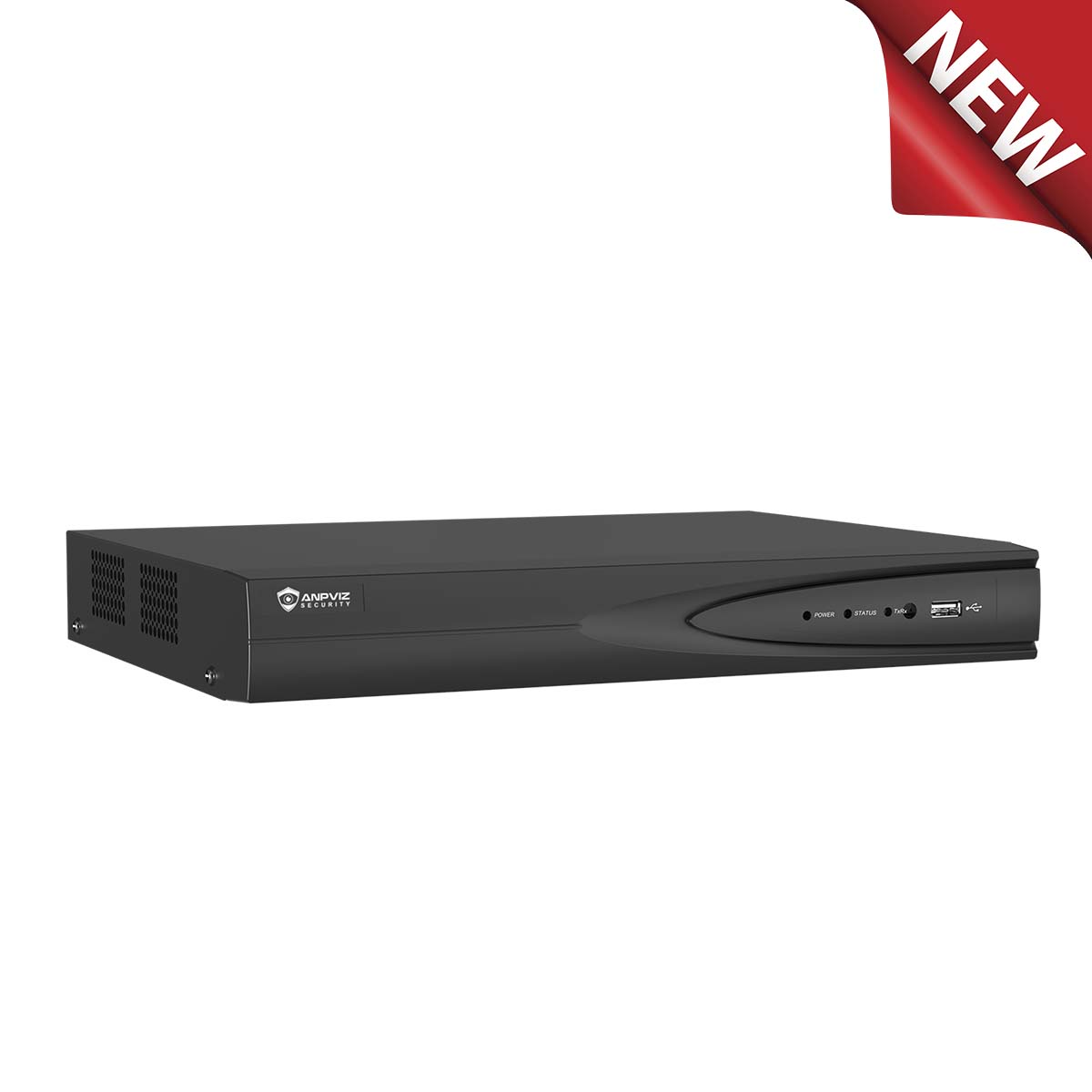
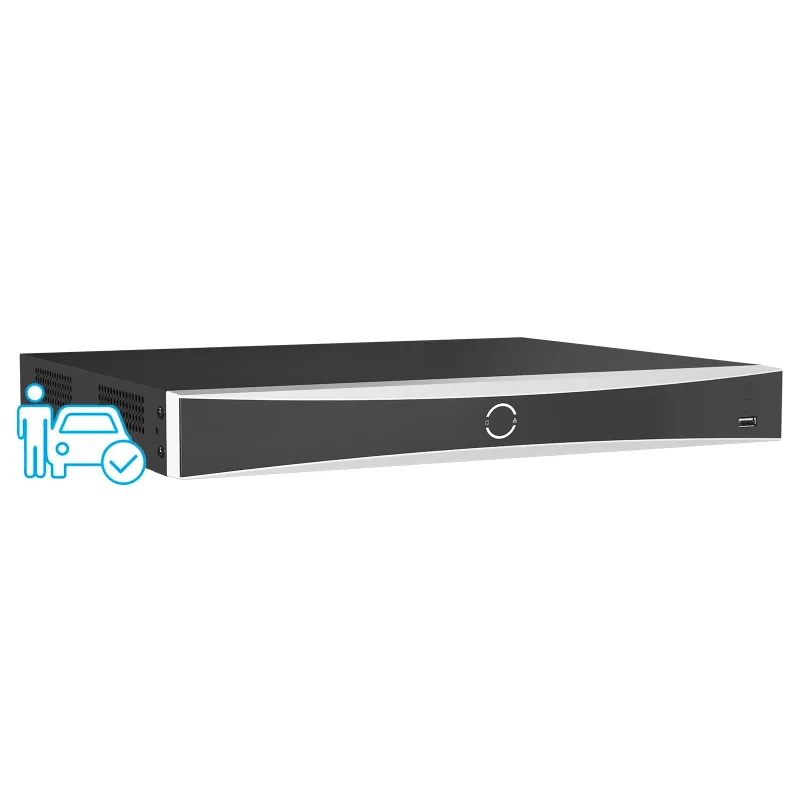
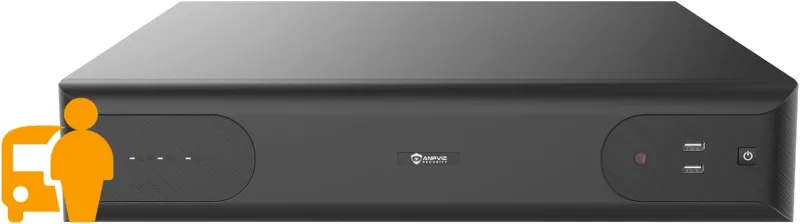
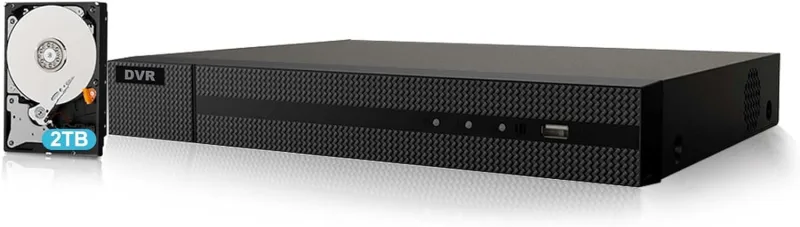
AI Pro PoE Network Video Recorder
Even if the cameras themselves have no AI detection, a pro-level NVR can provide this function for the cameras—though not on every channel.
- Human / vehicle classification
- Line crossing / intrusion / region entrance & exiting
- Detection runs on the recorder
AI Search: it finds the clip after you describe it
AI Search is retrieval. You describe what you are looking for in plain language, and the system returns the moments that match.
Instead of dragging a timeline, you type “a person wearing a red jacket” or “a white vehicle entering the parking area”. The recorder matches that description against the attributes already attached to your footage and returns candidate clips with timestamps. On the Anpviz AI Search system the matching runs on the NVR, across the channels it records, rather than inside each camera. Face-library matching and camera tracking extend the same idea: follow a known face, or follow one subject as it moves between cameras.
This is where the three stages stop being independent. Search can only return what detection has already described. If no detection layer ever recorded that a red jacket walked past at 02:14, then no query will find that clip — the footage exists on disk, but it is not addressable. The video is there; the description of the video is missing.
The key difference at this stage is the ability to search for specific targets using text descriptions. Some systems also advertise AI Search, but what they actually offer may be Smart Playback — helping you filter recorded footage by motion events, people, or vehicles rather than searching with natural-language descriptions. In other words, not every feature labeled "AI Search" offers true text-based search. Before buying, check whether you can actually describe what you're looking for and have the system find matching footage.
In most current systems, AI Search is handled by the NVR, but not every camera is compatible with this feature. Both the NVR and cameras need to be compatible with AI Search due to hardware requirements. That's why buying a compatible AI Search kit is usually a safer choice than purchasing them separately, helping you avoid compatibility issues and disappointment.

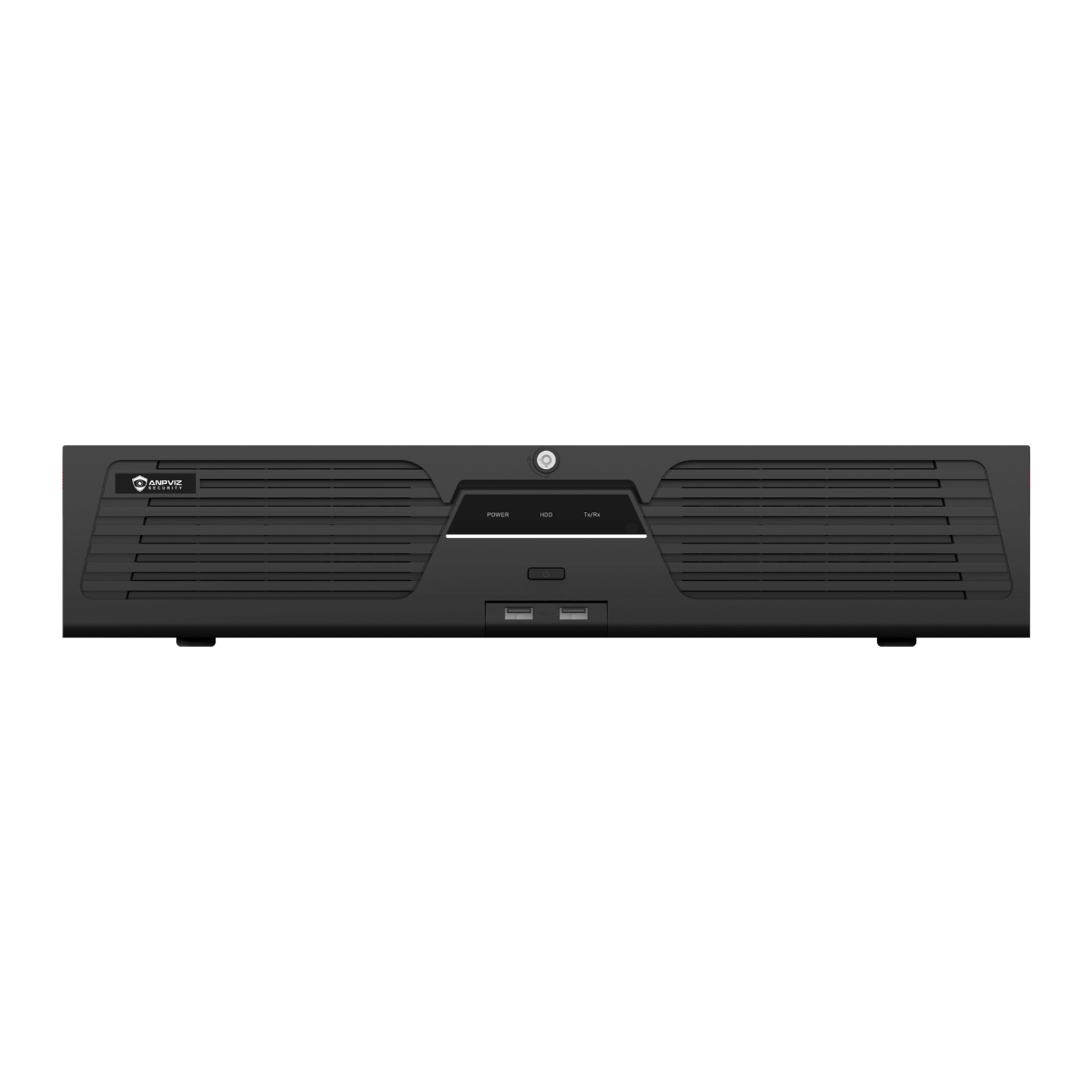
AI Search System
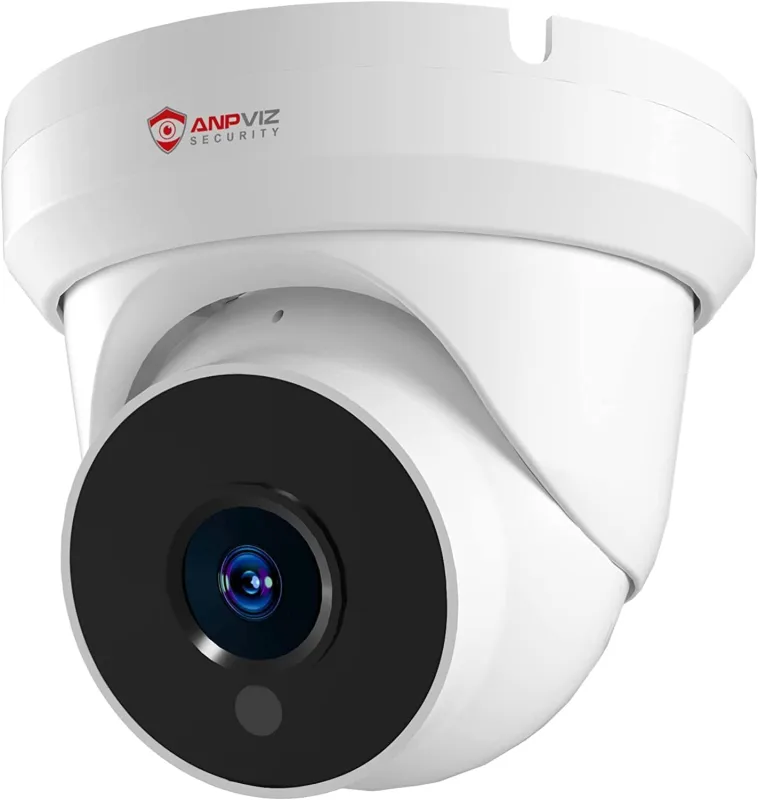
For investigations that start with a description — a 4-camera 4K kit with an 8-channel 12MP NVR running search on the recorder.
- Search by text description & Locate Target
- 4 × 8MP PoE cameras
- 8-channel 12MP AI Search NVR
Why these three get mixed up?
All three are sold as “AI camera”.
One word covers three different jobs, so the listing, the box and the spec sheet can all be technically accurate while telling you nothing about which stage you are buying. They serve different purposes—an “AI camera” label doesn't mean all three are there.
The stages do not live on one device.
Imaging and detection can run inside the camera; detection and search can run on the NVR. So “does this device have AI?” has no answer until you say which layer you mean. A camera and a recorder can both honestly claim AI while covering entirely different stages of the same job.
Search depends on detection, but the two are marketed apart.
AI Detection is currently the most established and widely promoted AI feature in security cameras, while AI Search is still emerging in the mainstream market. AI-ISP, on the other hand, serves a different purpose: improving image quality.
Frequently asked questions
Is AI-ISP the same as AI detection?
No. AI-ISP works on the image before it is stored; AI detection works on the objects inside that image. One changes how the frame looks, the other attaches a label to what is in it. A camera can have a strong AI-ISP and no detection at all, and the reverse is also common.
Does AI Detection improve image quality?
No. Detection is a classification step downstream of the image. If your night footage is noisy, the fix is in the imaging stage — sensor, lens and ISP — not in detection. Turning detection on can make a system feel smarter while the picture stays exactly as soft as before.
Can I use AI Search with a camera that doesn't support AI Search?
AI Search is typically handled by the NVR, but it still depends on compatible cameras to provide the required detection data. If a camera doesn't meet the NVR's hardware compatibility requirements, AI Search may not work as expected. That's why we recommend choosing a compatible AI Search camera and NVR kit rather than mixing devices separately. Also, an AI Search-compatible camera cannot perform AI Search independently without a compatible NVR.
Do I need all three?
Rarely. Most users only need one or two of them, depending on their requirements. AI-ISP and AI Search are more specialized features for users with specific needs. For basic home monitoring, AI Detection is generally sufficient.
What happens to AI Search if detection is turned off?
It loses its index. Search works by matching your description against attributes that detection produced. With detection off, those attributes are never written, so the query has nothing to match and returns nothing useful — even though the recording itself is complete.
Related reading
Read the article
Read the article
Read the article


